


IPTV Packages and Pricing: Compare Plans and Choose the Right Subscription
MAX IPTV Pro has provided multi-device streaming for international viewers since 2018, with packages structured around viewing duration, simultaneous connections and supported device setups rather than inflated channel-count claims.
Serving international customers since 2018, MAX IPTV Pro has built its service around multi-device compatibility, straightforward subscription options and responsive technical support.
Serving international customers since 2018, MAX IPTV Pro has built its service around multi-device compatibility, straightforward subscription options and responsive technical support.
Ask about connections, duration and device setup
Why Choose MAX IPTV Pro?
Experience Since 2018
MAX IPTV Pro has been serving international customers since 2018, with a focus on multi-device streaming and straightforward subscription management.
Multi-Device Compatibility
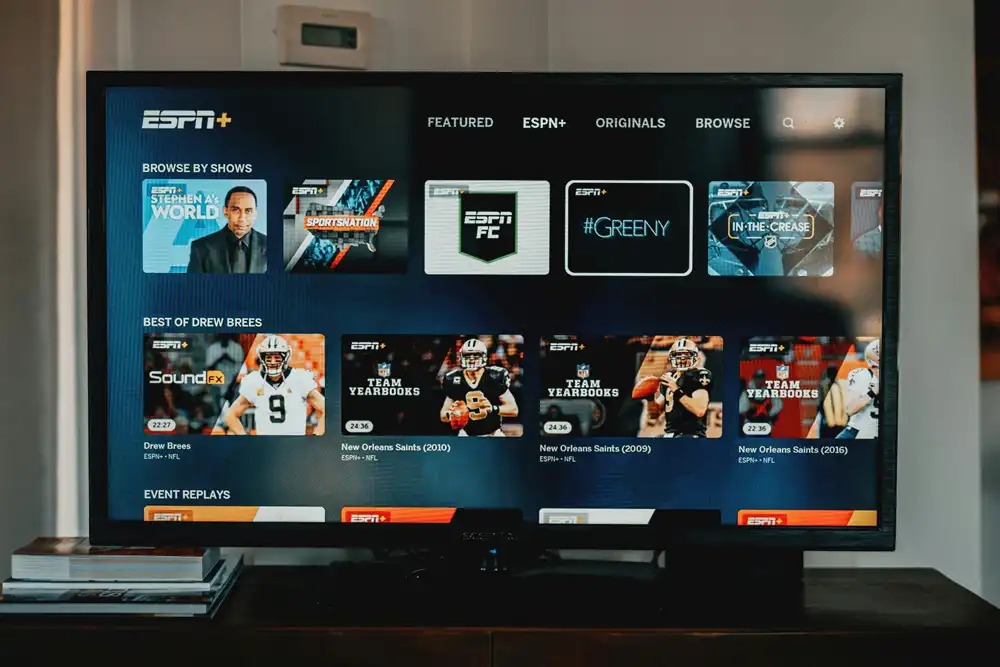
Our service can be configured on supported Smart TVs, Android TV devices, Fire TV, mobile devices and computers using compatible IPTV players.
Technical Support
Our support team can assist with activation, player configuration, device compatibility and common connection issues.
Transparent Subscription Options
Choose your subscription duration and connection capacity according to your actual viewing requirements.
MAX IPTV Pro has been serving international customers since 2018, with a focus on multi-device streaming and straightforward subscription management.
Multi-Device Compatibility
Our service can be configured on supported Smart TVs, Android TV devices, Fire TV, mobile devices and computers using compatible IPTV players.
Technical Support
Our support team can assist with activation, player configuration, device compatibility and common connection issues.
Transparent Subscription Options
Choose your subscription duration and connection capacity according to your actual viewing requirements.
How MAX IPTV Pro Packages and Pricing Are Structured
Plans are organised by subscription duration and by the number of simultaneous connections, not by artificial content bundles. One connection suits a single viewer on one screen; multi-connection tiers cover a household watching different channels at the same time.
Duration and connection
Multi-month and annual terms reduce the effective monthly cost compared with shorter subscription periods.
€30- 3 Month
Choosing the Right Tier
Compare IPTV packages and pricing against how your household actually watches: count the screens running at the same time, then choose the connection count that covers your peak concurrent usage.
€50- 6 Month
Support, Reliability
Once payment clears, Xtream API credentials are issued and you configure them in your player app.
€80- 12 Month

IPTV PackagesIPTV Package Selection: What to Check Before Ordering and Pricing: Buying Guide
Choosing an IPTV package is mainly a question of subscription length, simultaneous connections, supported devices and the level of technical assistance you may need. Checking these points before ordering makes it easier to select a plan without paying for capacity you will not use.
Subscription duration determines how long the account remains active, while connection capacity determines how many supported streams can be used at the same time. Device compatibility should also be checked before activation, particularly when using Smart TVs, Android TV devices, mobile devices or desktop players.
If you are unsure which setup matches your devices or household usage, contact MAX IPTV Pro before ordering to confirm the available options.You can find the full details at DVB Projesi (dijital yayın standardı).
Subscription duration determines how long the account remains active, while connection capacity determines how many supported streams can be used at the same time. Device compatibility should also be checked before activation, particularly when using Smart TVs, Android TV devices, mobile devices or desktop players.
If you are unsure which setup matches your devices or household usage, contact MAX IPTV Pro before ordering to confirm the available options.You can find the full details at DVB Projesi (dijital yayın standardı).

Which IPTV Plan Is Right for You?
Which IPTV Plan Is Right for You?
For one viewer
A single-connection subscription may be sufficient if you normally watch on one device at a time.
For couples or families
If multiple supported devices are used simultaneously, choose a plan with enough concurrent connections.
For Smart TV users
Check your TV operating system and compatible IPTV player before activating your subscription.
For Fire TV and Android TV users
Make sure your chosen IPTV application is compatible with your device before purchasing.
For one viewer
A single-connection subscription may be sufficient if you normally watch on one device at a time.
For couples or families
If multiple supported devices are used simultaneously, choose a plan with enough concurrent connections.
For Smart TV users
Check your TV operating system and compatible IPTV player before activating your subscription.
For Fire TV and Android TV users
Make sure your chosen IPTV application is compatible with your device before purchasing.
Setting Up Your Plan on Supported Devices
Need Help With Installation?
If you are setting up IPTV for the first time, our step-by-step IPTV installation guide explains how to configure your subscription on different devices and applications.
View the IPTV Installation Guide
If you need additional assistance, you can also contact our support team through WhatsApp for help with your setup.
Contact Our IPTV Support Team on WhatsApp
Important: Device and application compatibility can depend on the specific model, operating system version and third-party player. We recommend checking the requirements of your chosen application before installation.
If you are setting up IPTV for the first time, our step-by-step IPTV installation guide explains how to configure your subscription on different devices and applications.
View the IPTV Installation Guide
If you need additional assistance, you can also contact our support team through WhatsApp for help with your setup.
Contact Our IPTV Support Team on WhatsApp
Important: Device and application compatibility can depend on the specific model, operating system version and third-party player. We recommend checking the requirements of your chosen application before installation.
Payment, Renewal and Account

How Payment and Renewal Work
Payment is completed at checkout before credentials are issued, and every plan runs for a fixed term. Renewal keeps the same account, so your playlist, favourites and player configuration stay exactly as you left them.
Understanding Your Billing Cycle
Each subscription remains active for the duration specified when the order is placed. The account does not automatically change to a different term unless a new subscription or renewal is completed.
Upgrading Connections Mid-Term
If additional simultaneous connections are available for your account, contact support before changing plans so the available upgrade options can be confirmed for your current subscription.
Renewing Without Losing Setup
Renewal is handled through the account and subscription process. Keep your existing player configuration and account details available so the setup can be restored or continued when the renewed service becomes active.
Keeping Credentials Private and Secure
Xtream API credentials and playlist details should be treated as private account information. Do not publish or share them publicly, and remove old credentials from devices that you no longer use.